Passport.js is an authentication middleware for Node.js that can be unobtrusively dropped into any Express-based web application. This comprehensive guide will focus on utilizing the passport-openidconnect plugin, offering a simple yet effective way to incorporate Logto with Passport.js. Throughout this tutorial, we'll be using Express.js to build our application. All the code we'll be discussing is available in a public GitHub repository.
Before diving into the integration process, we'll need to setup the basic project with installing Express.js and its session middleware.
Assuming you have a TypeScript project environment prepared (if not, refer to the official TypeScript documentation), begin by installing the necessary packages:
This script initializes the Express app and configures cookieParser and session middleware for cookie-based session management, crucial for storing authentication results in Passport.js. It then uses the http module to launch the service.
To proceed, a Logto application is necessary. Create one by visiting the Logto Console, navigating to “Applications”, and clicking “Create application”. Select “Express”, name your application, and click “Create application”.
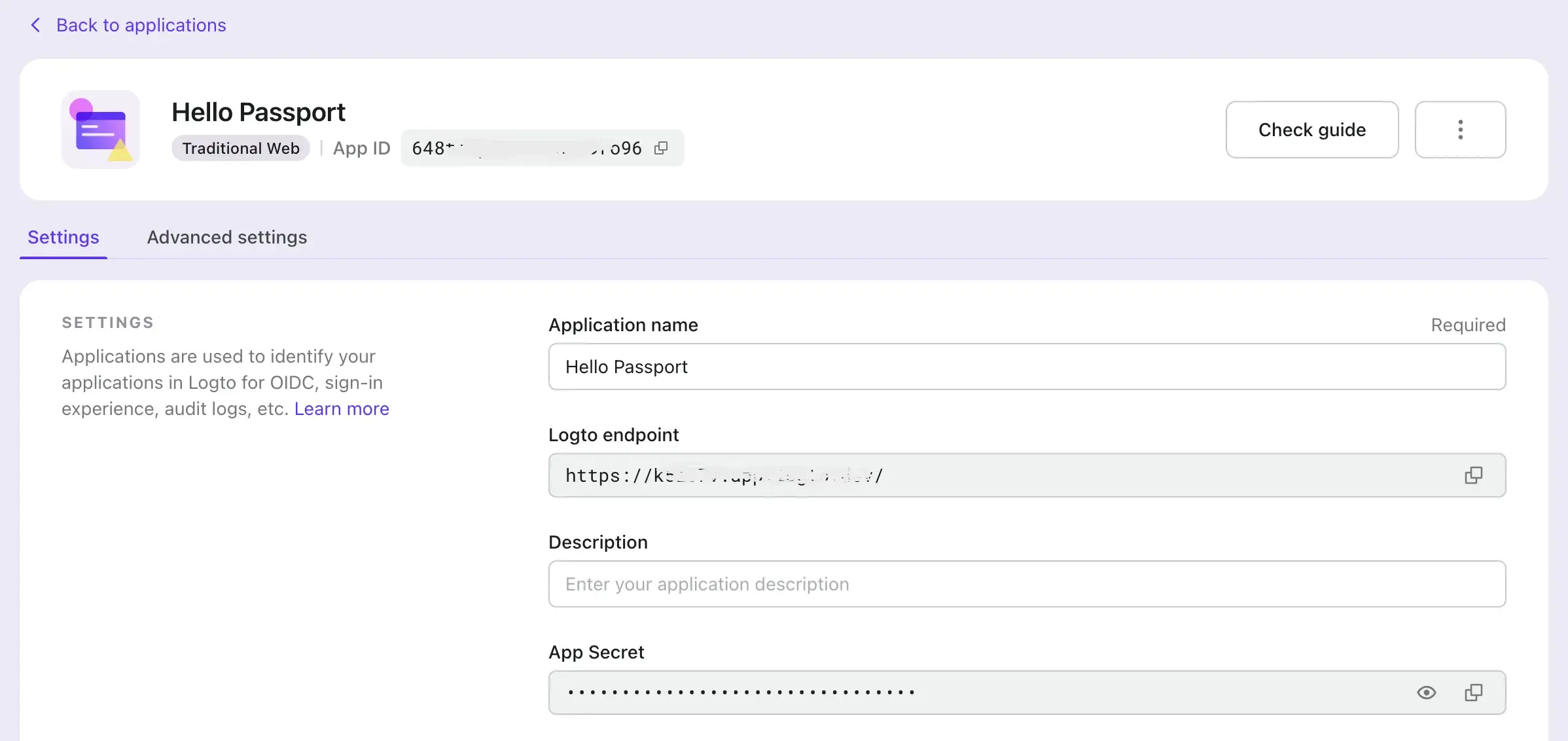
After completing or finishing reading the creation guide, you'll find a detailed page with configuration information for the next steps.
Congratulations on integrating Passport.js with Logto. Hope this guide can help you migrate from existing systems to using Logto. For an enhanced authentication experience, consider trying out Logto Cloud today. Happy coding!