Today we’re launching Logto MCP Server: a hosted MCP server that lets your AI tool set up Logto for your app. No local installation. No copying API keys.
The agent can inspect your project, create a Logto application, apply the right settings, and generate integration code you can run. What used to be a multi-step setup becomes a short conversation, inside your IDE.
The agent detects your stack, creates the Logto app, and generates working integration code. It supports 38+ quick starts, including React, Next.js, Vue, Nuxt, SvelteKit, Express, Go, Python, iOS, Android, Flutter, and more.
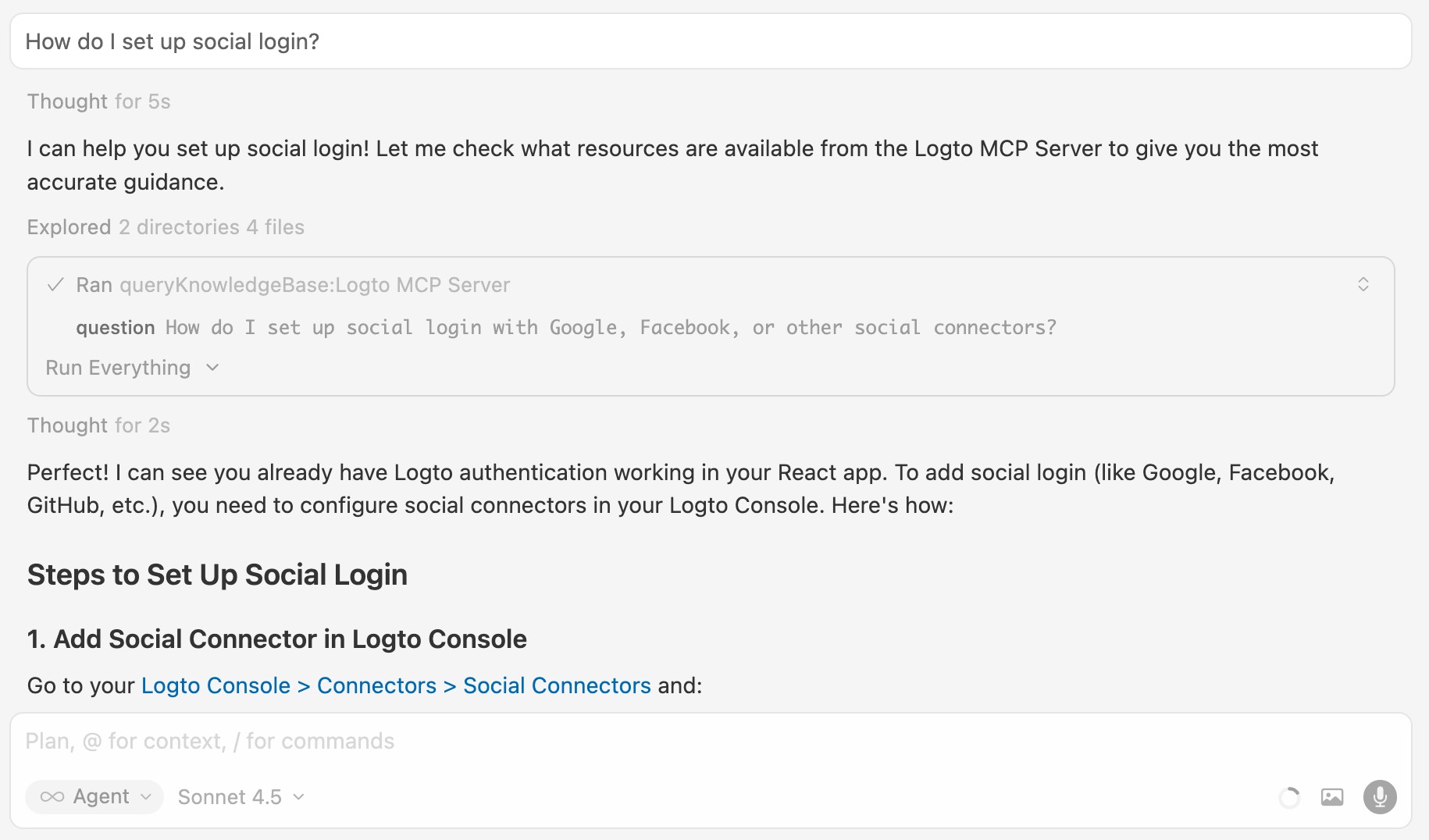
"How do I set up social login?"
Ask questions in plain English. The agent searches Logto docs and answers with citations, so you can verify and keep moving.